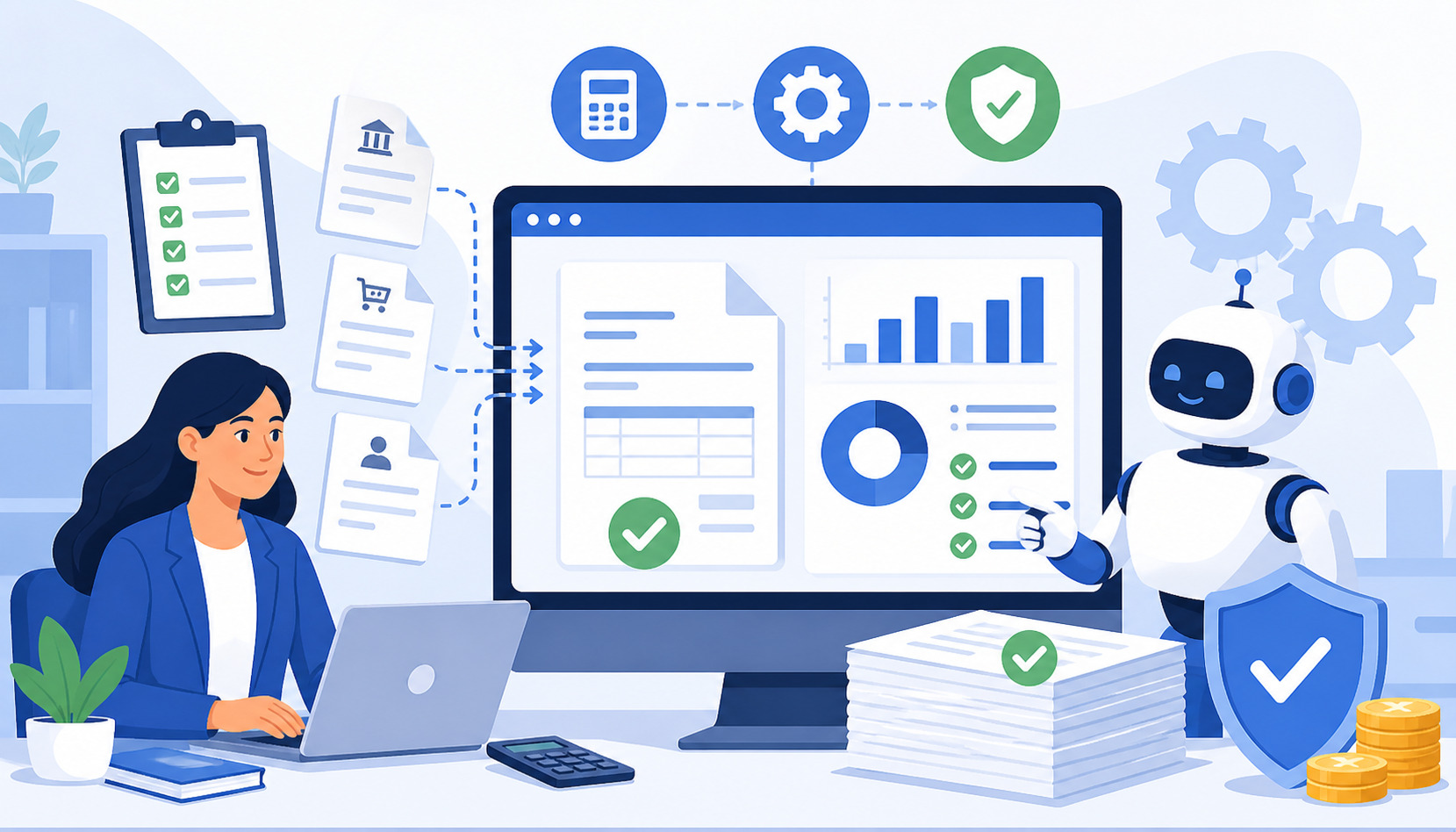
Billing errors are one of the most frustrating operational problems in tutoring businesses. A tutor may forget to invoice a completed session, a parent may be charged for a canceled lesson, a package balance may be updated incorrectly, or a recurring payment may fail without anyone noticing until weeks later.
These mistakes are rarely caused by carelessness. They usually happen because tutoring billing is more complex than it looks. A single student account may include weekly sessions, make-up lessons, credits, refunds, discounts, sibling billing, package renewals, late cancellations, and changing tutor assignments.
Reducing billing errors with automation means using structured systems to handle repetitive billing tasks more consistently. Instead of relying on spreadsheets, memory, manual invoices, and scattered messages, tutoring businesses can use billing automation software to connect scheduling, attendance, invoicing, online payments, receipts, reminders, and reporting.
Automation does not replace good judgment. It supports it. When billing rules are clear and workflows are connected, automation helps improve invoice accuracy, reduce parent disputes, protect cash flow, and create a smoother experience for families and staff.
What Does Reducing Billing Errors with Automation Mean?
Reducing billing errors with automation means replacing manual billing steps with predictable workflows that follow your tutoring business rules. Instead of creating every invoice by hand, checking attendance manually, calculating package balances separately, and sending payment reminders one by one, automation helps the system do those tasks consistently.
In a tutoring business, automation may include automated invoicing, recurring billing, payment reminders, attendance-based billing, package tracking, digital receipts, failed payment alerts, and organized billing records. These tools work best when they are connected to the same student billing system that manages lessons, tutors, families, schedules, and payments.
For example, if a student attends four sessions in a month, the system can use attendance records to generate an accurate invoice. If a student has a prepaid package, the system can deduct completed sessions from the package balance. If a payment is due, automated payment reminders can notify the parent before the balance becomes overdue.
This is the core of automated billing error reduction: fewer disconnected steps, fewer duplicate records, and fewer opportunities for human error.
Useful automation can help tutoring businesses:
- Create invoices on schedule
- Apply the correct session rate
- Track used and remaining package sessions
- Send receipts automatically
- Flag failed or overdue payments
- Record refunds, credits, and adjustments
- Keep billing history available for review
- Reduce confusion during parent questions or disputes
Why Billing Errors Happen in Tutoring Businesses

Billing errors happen because tutoring businesses often operate with moving parts that change every week. Students reschedule, tutors swap sessions, families pause and restart packages, payments fail, credits are issued, and lesson notes may not be updated immediately.
Manual spreadsheets can work for a small tutoring operation at the beginning, but they become risky as volume grows. A spreadsheet may track sessions, another file may track payments, a calendar may track attendance, and messages may contain cancellation approvals. When records are spread across tools, it becomes easy to miss details.
Missed attendance updates are another common cause. If a tutor forgets to mark a session as completed, the business may fail to bill for it. If a canceled session is not marked correctly, the parent may be charged incorrectly. These errors can quickly lead to billing disputes.
Inconsistent pricing also creates problems. One student may have a package rate, another may have a sibling discount, and another may be on a recurring plan. If staff members calculate these manually, small differences in interpretation can create different invoice amounts.
Other common causes include:
- Duplicate invoices created by multiple administrators
- Untracked credits after refunds or make-up sessions
- Expired packages that remain active
- Late payment follow-ups sent too late
- Unclear cancellation or no-show policies
- Delayed communication with parents
- Manual copying of payment information
- Lack of audit trails for billing changes
Billing workflow automation helps reduce these risks by keeping lesson, payment, and invoice data connected. When staff can see the same billing record, the same package balance, and the same payment history, errors are easier to prevent and faster to fix.
Common Billing Errors Automation Can Prevent
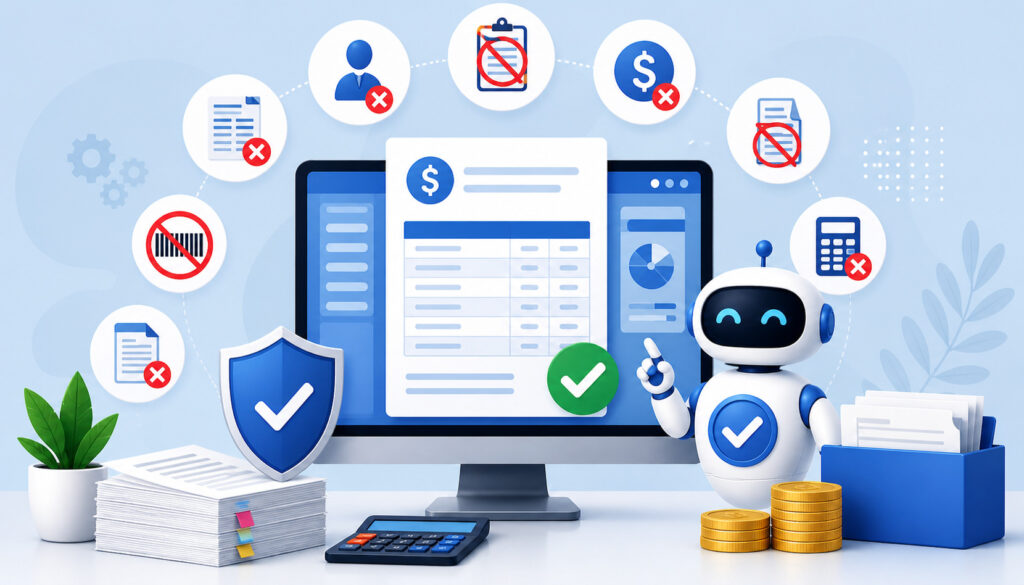
Automation is especially useful for repetitive billing tasks that require accuracy every time. Tutoring businesses often deal with the same billing patterns again and again: weekly lessons, monthly plans, prepaid packages, make-up sessions, and recurring payments. When these workflows are handled manually, mistakes can repeat.
Billing automation software helps prevent errors by creating a consistent process. It can generate invoices based on schedule or attendance, send payment links, update balances, record payments, issue receipts, and preserve billing history. This makes it easier for administrators to see what happened and why.
| Billing Error | Why It Happens | How Automation Helps |
| Missed invoices | Staff forget to bill completed sessions | Automated invoicing creates invoices on schedule |
| Late invoices | Billing is delayed until someone reviews records | Scheduled invoices and reminders keep billing timely |
| Incorrect session counts | Attendance and billing records are separate | Attendance syncing connects completed sessions to billing |
| Duplicate invoices | Multiple staff members invoice the same account | Centralized records reduce duplicate billing |
| Wrong package balance | Used sessions or credits are updated manually | Package tracking updates balances automatically |
| Missed failed payments | Payment failures are not monitored daily | Failed payment alerts notify staff and families |
| Incorrect refunds or credits | Adjustments are tracked outside the system | Credit records and audit trails preserve history |
| Parent disputes | Invoices lack detail or records are hard to find | Itemized invoices and receipts support billing dispute prevention |
Missed or Late Invoices
Missed and late invoices are among the most common billing issues in tutoring businesses. They often happen when administrators wait until the end of the week or month to review completed sessions manually. By that time, attendance records may be incomplete, messages may be buried, and some sessions may be forgotten.
Automated invoicing reduces this risk by generating bills on a defined schedule. A tutoring business can invoice weekly, biweekly, monthly, after each session, or when a package renews. The system can pull in session details, apply the correct rate, and send the invoice without requiring someone to recreate the entire billing record manually.
This improves cash flow and parent communication. Families receive payment requests consistently, and administrators spend less time chasing old balances. It also creates a better record of when invoices were issued and when payments were received.
Incorrect Session Counts
Incorrect session counts happen when billing is disconnected from scheduling and attendance. A student may attend three sessions, but the invoice may show four. Another student may complete a make-up lesson, but it may never be billed. These errors are especially likely when tutors report attendance through messages, paper notes, or separate spreadsheets.
Connecting billing with attendance helps prevent these mistakes. When a session is marked completed, canceled, no-show, or rescheduled, the billing workflow can respond based on your rules. Completed sessions can be billed, late cancellations can trigger the correct charge, and approved make-ups can avoid duplicate billing.
This is especially important for tutoring centers with multiple tutors. Administrators should not have to guess which sessions happened. A connected student billing system provides a clearer source of truth.
Package Balance and Credit Errors
Prepaid packages are helpful for families and tutoring businesses, but they can create billing confusion if balances are tracked manually. A parent may buy ten sessions, use six, receive one make-up credit, cancel one lesson, and request a partial refund. Without accurate tracking, the remaining balance can become unclear.
Automation helps track package balances, used sessions, credits, make-ups, refunds, and renewals. Each session can deduct from the correct package, and each credit can be recorded with a reason. This makes it easier to answer parent questions and prevent disputes.
Package tracking is also useful when a student pauses tutoring or changes subjects. Administrators can see whether the student has unused sessions, expired credits, or outstanding payments before making changes.
For more context on structuring tutoring packages, this guide on designing tuition plans and session packs is a useful internal resource.
Key Features of Billing Automation Software
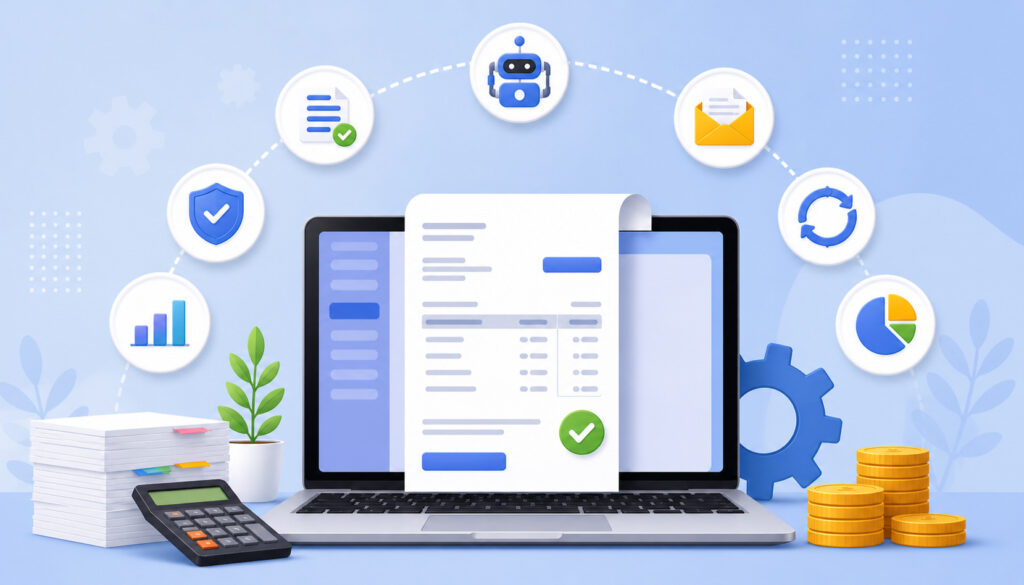
The best billing automation software for tutoring businesses does more than send invoices. It connects billing to real tutoring activity. That means invoices, attendance, scheduling, packages, payments, reminders, receipts, and reports should work together.
Important features include recurring invoices, payment reminders, online payments, attendance syncing, package tracking, parent portals, automated receipts, failed payment alerts, reporting, and permission controls. These features support automated billing error reduction because they reduce manual handoffs.
A strong tutoring billing automation setup should help administrators answer questions such as:
- Which sessions were billed?
- Which sessions were canceled or marked no-show?
- Which invoices are unpaid?
- Which payments failed?
- Which families have package balances?
- Which credits or refunds were issued?
- Who changed a billing record?
- Which accounts need follow-up?
Tutor billing software should also make billing easier for families. Parents should be able to review invoices, see session details, pay online, receive receipts, and understand package balances without sending repeated messages to the office.
For a deeper look at billing tool selection, this overview of tutoring billing software features covers recurring invoices, autopay, family billing, and payer setup considerations.
Recurring Billing and Auto-Pay
Recurring billing is useful for weekly, biweekly, monthly, subscription, and package-based tutoring payments. Instead of creating the same invoice repeatedly, administrators can set rules once and let the system generate charges on schedule.
Auto-pay can further reduce manual work by charging approved payment methods automatically. This supports smoother cash flow and reduces the number of unpaid balances that require staff follow-up. It also helps parents avoid missed due dates.
Recurring billing still needs oversight. Pricing changes, paused students, canceled plans, and package renewals should be reviewed regularly. Automation should make the process easier, not invisible.
Automated Payment Reminders
Payment reminders help prevent late payments without requiring uncomfortable manual follow-ups. Instead of staff sending individual messages, the system can notify families before the due date, on the due date, and after the invoice becomes overdue.
Good reminders should be clear, respectful, and useful. They should include the invoice amount, due date, payment link, and contact option for questions. This reduces confusion and helps families take action quickly.
Automated payment reminders also help administrators stay consistent. Every family receives the same type of follow-up according to the same timing rules. That consistency supports fairness and reduces the chance that one overdue balance is missed while another is pursued.
Billing Reports and Audit Trails
Reports and audit trails are essential for invoice accuracy and billing dispute prevention. A billing report can show invoices issued, payments received, refunds processed, credits applied, failed payments, unpaid balances, and package usage.
Audit trails show what changed, when it changed, and who made the change. This is especially helpful when multiple administrators manage billing. If a parent asks why an invoice changed, staff can review the record instead of relying on memory.
Regular reporting also supports better management decisions. If many payments are late, reminder timing may need adjustment. If disputes often involve package balances, the package workflow may need clearer rules. If failed payments are common, payment method updates may need to be part of the monthly process.
Step-by-Step Guide to Prevent Billing Errors with Automation
Preventing billing errors with automation starts with process design. Software cannot fix unclear rules, inconsistent pricing, or missing attendance records on its own. The most reliable approach is to standardize your billing policies, connect billing with scheduling, automate repetitive communication, and review reports regularly.
Tutoring businesses should treat billing automation as an operational system, not just a payment tool. The goal is to create a workflow where staff know what happens after each session, parents understand what they are charged for, and managers can verify billing activity without digging through scattered records.
Step 1: Standardize Your Billing Rules
Start by documenting your billing rules. This includes session rates, package pricing, billing cycles, invoice due dates, cancellation rules, refund rules, make-up credits, late payment policies, discounts, sibling billing, and renewal terms.
These rules should be clear enough that two administrators would calculate the same invoice independently. If your team interprets policies differently, automation will only repeat that confusion faster.
Standardization also improves parent trust. Families should know when they will be billed, what counts as a billable session, how cancellations are handled, and how package balances are tracked.
Useful rules to define include:
- When invoices are sent
- When payment is due
- Whether payment is required before sessions
- How no-shows are charged
- How late cancellations are handled
- When credits expire
- How refunds are approved
- How discounts are applied
- Who can adjust invoices
Step 2: Connect Billing With Scheduling and Attendance
Billing should match real session activity. If scheduling and billing are separate, staff must manually compare calendars, tutor notes, parent messages, and attendance records before invoicing. That creates room for mistakes.
When billing connects with scheduling and attendance, the system can reflect completed sessions, cancellations, no-shows, make-ups, tutor changes, and rescheduled lessons more accurately. This is especially valuable for centers with multiple tutors, group sessions, or recurring weekly lessons.
For example, a completed lesson can trigger a billable entry. A late cancellation can follow the cancellation policy. An approved make-up session can use an existing credit instead of creating a new charge. A tutor change can preserve the billing record while updating internal staffing details.
This connection is one of the most important parts of tutoring billing automation. It helps prevent both overbilling and underbilling.
A related resource on automating lesson scheduling for tutoring centers explains how central calendars, recurring lessons, booking confirmations, and role-based access support cleaner operations.
Step 3: Automate Invoices, Receipts, and Reminders
Once rules and attendance workflows are in place, automate the repetitive billing communications. This includes scheduled invoices, automatic receipts, payment reminders, failed payment notices, and renewal alerts.
Automated invoicing helps ensure families are billed consistently. Automated receipts reassure parents that payment was received. Failed payment alerts help staff act quickly before balances pile up. Renewal alerts help families understand when a package is running low or a recurring plan is about to continue.
Online payments for tutoring can also reduce errors caused by manual payment matching. When a parent pays through a secure payment link, the payment can be attached to the correct invoice automatically. That lowers the risk of applying a payment to the wrong student or family account.
For payment setup considerations, this guide to secure online payments for tutors discusses payment links, recurring payments, subscriptions, and integrating payments with scheduling.
Step 4: Review Billing Reports Regularly
Automation improves accuracy, but it still needs oversight. Managers should review billing reports weekly or monthly, depending on transaction volume. The goal is to catch exceptions before they become parent complaints or revenue losses.
Important reports include unpaid invoices, failed payments, package balances, refunds, credits, duplicate invoices, canceled sessions, and attendance exceptions. A weekly review can help identify issues quickly, while a monthly reconciliation can confirm that payments, invoices, and deposits match.
Regular review also helps improve your billing process over time. If the same error keeps appearing, it may be a sign that a rule is unclear, a staff member needs training, or a workflow needs adjustment.
How Automation Improves Parent Trust and Communication
Parents are more likely to trust billing when invoices are clear, timely, and easy to verify. Confusion often starts when an invoice shows only a total amount without session details. A parent may not remember which sessions were completed, which were canceled, or how many package credits remain.
Automation improves communication by creating itemized invoices, digital receipts, payment links, and package balance records. Instead of asking staff to explain every charge manually, parents can review the billing details themselves.
A strong invoice should show:
- Student name
- Session dates
- Session type or subject
- Tutor or class name when useful
- Rate or package deduction
- Credits or discounts
- Amount paid
- Amount due
- Payment due date
- Payment link
- Policy notes when relevant
Clear records also support billing dispute prevention. If a parent questions a charge, staff can review attendance, invoice history, payment records, and credits in one place. This allows the conversation to stay calm and factual.
Automation also helps maintain consistent communication. Every family receives invoices and reminders according to the same process. That consistency reduces the feeling that billing is random or reactive.
How Automation Supports Cash Flow and Revenue Accuracy
Billing errors do not only affect parents. They affect business performance. Missed invoices, delayed payment follow-ups, duplicate discounts, untracked failed payments, and inaccurate package balances can all reduce revenue.
Payment automation helps tutoring businesses collect payments faster by sending invoices and reminders on schedule. When families can pay online from a secure link, payment friction decreases. When recurring billing or auto-pay is available, predictable revenue becomes easier to manage.
Automation also helps identify unpaid balances before they become large. A manager can review aging reports, failed payment alerts, and overdue invoices instead of discovering payment problems after several sessions have already been delivered.
Revenue accuracy improves when completed sessions are billed correctly, package deductions are tracked, discounts are applied consistently, and refunds are recorded. This gives owners and administrators better financial reporting.
Accurate billing data can help answer important questions:
- Are we billing all completed sessions?
- How much revenue is still unpaid?
- Which families have recurring payment failures?
- Which packages are nearly used up?
- Are discounts being applied consistently?
- Are credits reducing revenue as expected?
- Are refunds documented correctly?
Cash flow becomes easier to manage when billing workflows are predictable. Staff spend less time chasing unclear balances and more time supporting students and families.
Common Mistakes to Avoid When Automating Billing
Automation is powerful, but it can create new problems if implemented carelessly. The biggest mistake is automating unclear policies. If your cancellation rules, package terms, or refund process are vague, the system may apply inconsistent or confusing charges.
Another mistake is skipping test invoices. Before sending automated invoices to families, create test cases for common scenarios: completed session, cancellation, no-show, package deduction, discount, failed payment, refund, and credit. Testing helps catch setup issues early.
Tutoring businesses should also avoid automating billing without connecting attendance. If invoices are generated from schedules alone, families may be charged for sessions that did not happen. Attendance-based billing is often more accurate for tutoring businesses with cancellations, make-ups, and tutor changes.
Other mistakes include:
- Using inconsistent rates across students
- Forgetting to update old package pricing
- Ignoring failed payment alerts
- Not reviewing reports
- Giving too many users billing permissions
- Sending invoices without itemized details
- Failing to document manual adjustments
- Not training tutors to mark attendance correctly
Permission controls are especially important. Not every staff member should be able to edit invoices, issue refunds, delete payments, or change package balances. Role-based access helps reduce accidental changes and protects billing records.
Best Practices for Long-Term Billing Accuracy
Long-term invoice accuracy depends on habits, not just tools. Once billing automation is in place, tutoring businesses should maintain the system carefully. Pricing, packages, staff roles, payment methods, and policies can change over time.
Keep pricing updated in your billing automation software. If rates change but old templates remain active, invoices may be generated incorrectly. Review package pricing, recurring plans, discounts, and renewal rules whenever your business updates services.
Document billing policies and make them easy for staff to access. Staff should know how to handle cancellations, make-ups, refunds, credits, failed payments, and parent questions. Training is especially important when new administrators or tutors join the team.
Review package balances regularly. Prepaid sessions are one of the easiest areas for confusion because balances can be affected by completed lessons, cancellations, make-ups, credits, refunds, and expiration rules.
Strong long-term habits include:
- Reviewing billing reports on a fixed schedule
- Reconciling payments with invoices
- Checking failed payment alerts
- Auditing package balances
- Updating pricing rules promptly
- Training staff on attendance workflows
- Using permission controls
- Documenting manual adjustments
- Keeping parent communication consistent
Automation should make billing easier, but managers should still stay involved. The best results come from combining clear policies, connected systems, trained staff, and regular review.
FAQs
How does automation reduce billing errors?
Automation reduces billing errors by replacing repetitive manual billing tasks with structured workflows. It can generate invoices on schedule, connect billing with attendance, track package balances, send payment reminders, issue receipts, and maintain payment records.
What billing errors are common in tutoring businesses?
Common billing errors include missed invoices, late invoices, incorrect session counts, duplicate invoices, wrong package balances, untracked credits, missed refunds, and failed payments that are not followed up promptly.
Can billing automation software track session packages?
Yes. Billing automation software can help track prepaid session packages, used sessions, remaining balances, make-up credits, refunds, and renewals. This helps tutoring businesses reduce package balance confusion and billing disputes.
Should billing connect with scheduling?
Yes. Billing should connect with scheduling and attendance so invoices reflect completed sessions, cancellations, no-shows, make-ups, and tutor changes. This helps prevent overbilling and underbilling.
How do automated payment reminders help?
Automated payment reminders help families pay on time without requiring staff to send repeated manual follow-ups. They also create a consistent payment process and reduce awkward payment conversations.
Can automation prevent duplicate invoices?
Automation can reduce duplicate invoices by centralizing billing records and showing which sessions, packages, and balances have already been billed. Permission controls and audit trails can further reduce duplicate billing mistakes.
How often should billing reports be reviewed?
Billing reports should usually be reviewed weekly for active tutoring businesses and monthly for broader reconciliation. Important reports include unpaid invoices, failed payments, package balances, refunds, credits, and attendance exceptions.
When should a tutoring business move from manual billing to automation?
A tutoring business should consider automation when manual billing causes delays, disputes, missed invoices, inconsistent records, or too much administrative work. This is especially important for businesses with multiple tutors, recurring lessons, prepaid packages, and frequent rescheduling.
Conclusion
Reducing billing errors with automation requires more than turning on an invoicing tool. It starts with clear billing rules, connected scheduling and attendance, automated invoices, payment reminders, package tracking, receipts, reporting, and regular review.
For tutors, tutoring center owners, education business managers, academic coordinators, administrators, and learning center operators, automation can make billing more accurate and less stressful. It helps prevent missed invoices, incorrect session counts, package balance mistakes, duplicate charges, and delayed payment follow-ups.
The best approach is practical: define your policies, connect your systems, automate repetitive tasks, review exceptions, and keep communication clear for families.
When done well, automated billing error reduction saves time, improves cash flow, reduces disputes, strengthens parent trust, and creates a smoother experience for everyone involved.